




Make.com YouTube Automation | Create & Publish Shorts Automatically | Telegram + Google OAuth | AI Video Workflow
$45.92
Details
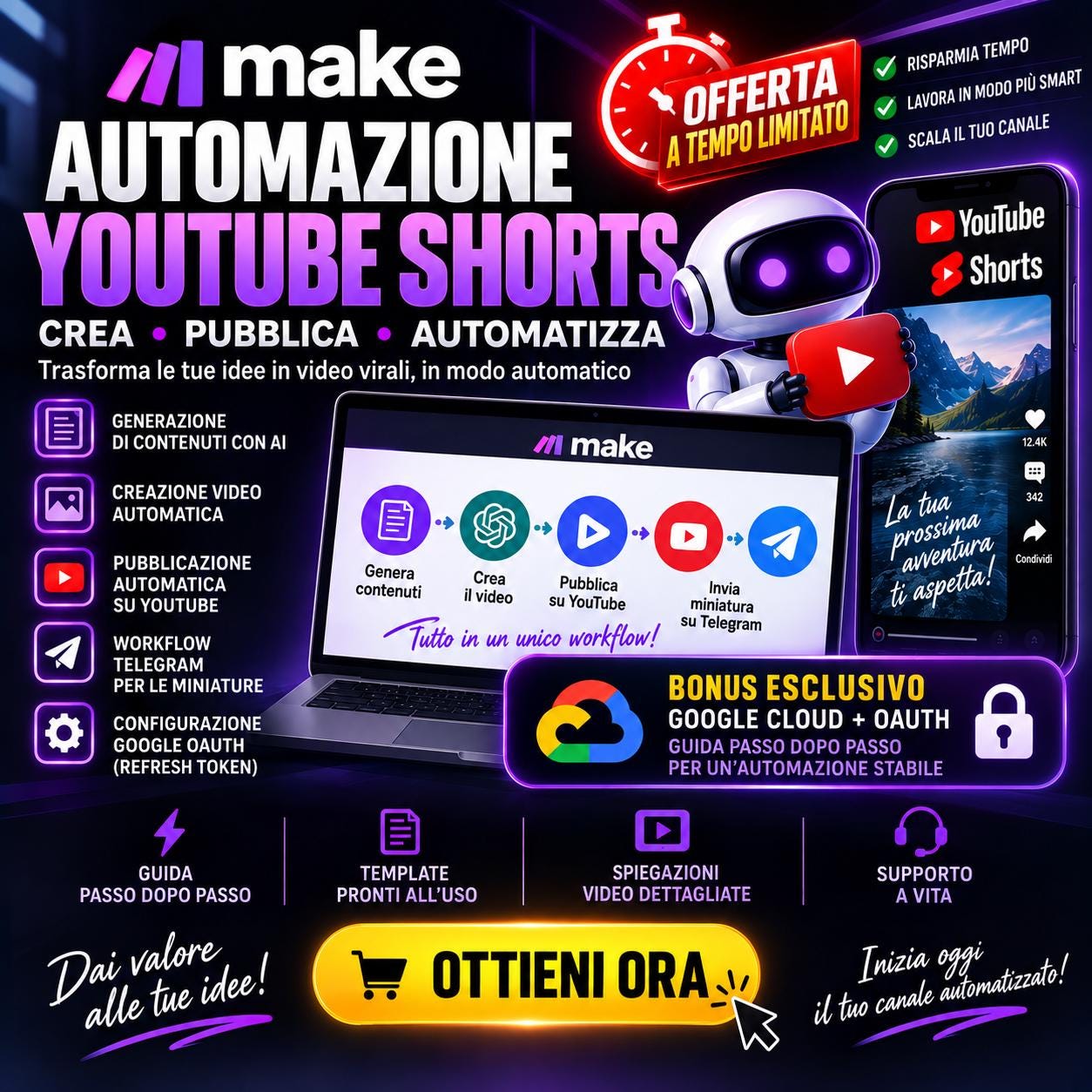
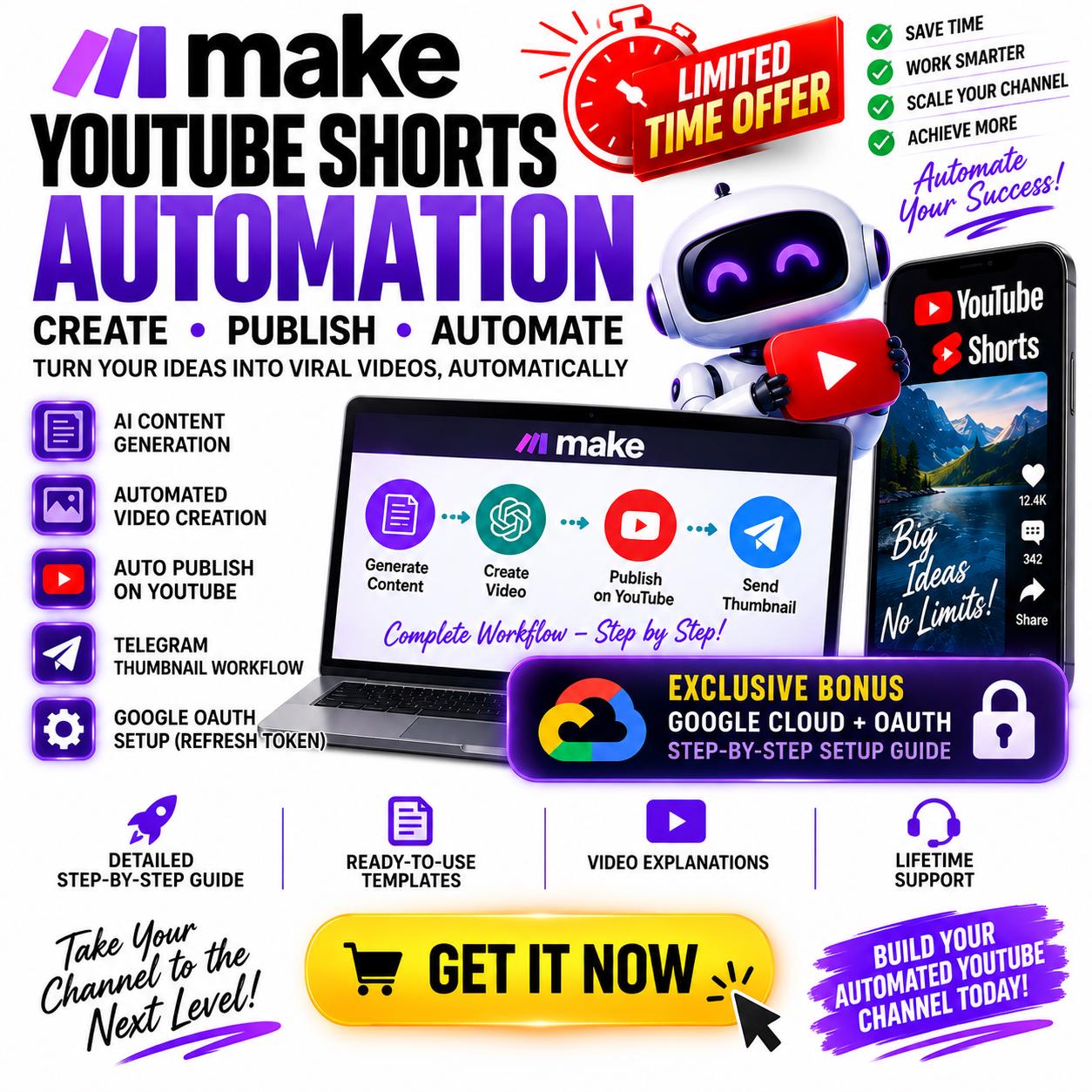
🚀 SPECIAL OFFER — COMPLETE YOUTUBE SHORTS AUTOMATION SYSTEM
Build a powerful automated workflow that can create YouTube Shorts and publish them automatically to YouTube using Make.com.
This digital guide shows you how to build a complete content automation infrastructure that connects content generation, AI, video creation and YouTube publishing into one scalable workflow.
But this system goes further.
You’ll also learn how to create a separate Telegram workflow for thumbnail management and how to configure Google Cloud Console + OAuth with offline access and refresh-token authentication, helping prevent normal short-lived access-token expiration from interrupting your automation.
Designed for content creators, faceless YouTube channels, digital marketers, agencies and automation enthusiasts who want to reduce repetitive work and build a more scalable content-production system.
❌ THE PROBLEM
Creating YouTube Shorts manually can quickly become repetitive and time-consuming.
Every video may require several separate steps:
Finding or generating content.
Writing the script.
Preparing the video.
Generating the final MP4.
Creating metadata.
Uploading the video.
Publishing it on YouTube.
Managing thumbnails.
Checking integrations and authentication.
Repeating everything again for the next Short.
This process may work when you publish occasionally.
But when you want to create content consistently or manage multiple channels, the workflow becomes difficult to scale.
⚡ THE SOLUTION
This course shows you how to create a structured Make.com automation where the different stages of YouTube content production work together.
The core workflow follows this logic:
CONTENT → AI → VIDEO → YOUTUBE
Instead of stopping after the video file has been created, the automation continues to the publishing stage.
The final Short can therefore move through the workflow from content generation to automatic YouTube publishing.
A separate Telegram workflow is also used to support thumbnail management.
The objective is not simply to automate an upload.
It is to build a complete content creation and distribution infrastructure.
📦 WHAT’S INCLUDED
1. YouTube Shorts Automation
Learn how to structure a Make.com workflow designed specifically for short-form YouTube content.
2. Automated Content Creation
Connect the different stages required to transform an initial content source or idea into a finished video.
3. AI Workflow Integration
Use AI inside the automation to help generate and structure the content required by the video-production pipeline.
4. Automated Video Creation
Configure the workflow so that the generated content becomes a finished video ready for distribution.
5. Automatic YouTube Publishing
Connect the automation directly to YouTube so that completed Shorts can move automatically into the publishing stage.
6. Telegram Thumbnail Workflow
Build a separate Telegram-based workflow dedicated to thumbnail handling, giving you additional flexibility outside the main YouTube automation.
7. Google Cloud Console Configuration
Learn how to configure the Google Cloud environment required for the YouTube integration.
8. OAuth Authentication Setup
Configure the authorization process required to connect the automation securely with Google/YouTube services.
9. Offline Access + Refresh Token Setup
Learn how to configure OAuth for offline access and refresh-token authentication, designed for long-running automations that should not depend only on a short-lived access token.
10. Step-by-Step Workflow Configuration
Follow the complete setup process and understand how the individual modules work together.
🎁 YOU’LL GET
With this digital product you’ll learn how to build:
✓ Make.com YouTube Shorts Workflow
✓ AI Content Automation
✓ Automated Video Creation System
✓ Automatic YouTube Publishing
✓ YouTube API Integration
✓ Telegram Thumbnail Workflow
✓ Google Cloud Console Setup
✓ Google OAuth Configuration
✓ Offline Access Authentication
✓ Refresh Token Configuration
✓ Scalable Content Production Workflow
✓ Faceless YouTube Automation Infrastructure
The focus is on building the complete system rather than simply automating one isolated task.
🛠️ HOW TO USE
The workflow is designed to be implemented step by step.
STEP 1 — Configure Make.com
Create or prepare your Make.com environment and configure the required modules.
STEP 2 — Connect Your Services
Connect the external services used by the automation.
STEP 3 — Configure Content Generation
Set up the content-generation stage that feeds your Shorts workflow.
STEP 4 — Configure AI Processing
Connect the AI component responsible for transforming the source content into material suitable for video creation.
STEP 5 — Configure Video Creation
Build the part of the workflow responsible for generating the finished video.
STEP 6 — Connect YouTube
Configure the connection between Make.com and YouTube.
STEP 7 — Configure Automatic Publishing
Set up the workflow so completed videos can continue automatically to YouTube publishing.
STEP 8 — Configure Telegram
Create the separate Telegram workflow used for thumbnail management.
STEP 9 — Configure Google Cloud + OAuth
Set up the Google Cloud Console project and the OAuth authentication required by the automation.
STEP 10 — Test the Complete Pipeline
Test every stage before activating the complete automation.
Your final architecture becomes:
CONTENT → AI → VIDEO → YOUTUBE
with the additional supporting systems:
TELEGRAM → THUMBNAIL WORKFLOW
and
GOOGLE CLOUD → OAUTH → OFFLINE ACCESS → REFRESH TOKEN
💡 WHY IT WORKS
Many automation tutorials focus on only one small part of the process.
For example:
Make.com → Create Video → Save File
That still leaves the creator responsible for the next stages.
This system expands the workflow:
Make.com → Content → AI → Video → YouTube
The goal is to reduce repetitive manual operations between content creation and distribution.
The separate Telegram workflow also provides an additional system for thumbnail handling.
And the Google Cloud + OAuth section addresses one of the most technical aspects of long-running YouTube integrations: authentication.
The result is a more complete automation architecture designed for creators who want to build a repeatable and scalable YouTube Shorts workflow.
⚠️ IMPORTANT DISCLAIMER
This product teaches an automation workflow and technical configuration.
It does not guarantee views, subscribers, revenue, monetization approval or YouTube channel growth.
YouTube performance depends on many factors, including content quality, audience response, topic demand, competition and platform systems.
Users are responsible for ensuring that the content they create and publish complies with YouTube policies, copyright rules and applicable platform requirements.
Automation should be used to improve the production workflow — not to mass-publish repetitive or low-value content.
🔎 RELATED KEYWORDS
Make.com YouTube automation, YouTube Shorts automation, automated YouTube publishing, Make.com Shorts workflow, YouTube automation system, AI Shorts automation, Telegram automation, YouTube API automation, Google Cloud OAuth, YouTube OAuth setup, refresh token YouTube, offline access OAuth, faceless YouTube automation, automated video creation, Make.com video automation, YouTube content automation, Shorts publishing automation, Google Cloud Console, YouTube API workflow, digital automation system
Digital downloads
Your files will be available to download once payment is confirmed.